
Freelancers and small agencies deal with branded PDFs almost every day. Proposals, portfolios, contracts, media kits, presentations, and client drafts constantly move between devices, inboxes, and cloud folders. Most people do not need heavy enterprise DRM systems just to place a logo or text overlay on a file. They want something fast, simple, and easy to repeat dozens of times per week. Browser-based watermarking tools became popular for exactly that reason.
Some platforms focus on quick batch processing. Others lean more into privacy, broader PDF editing, or advanced document protection. The tools below approach PDF watermarking differently depending on who they are built for. Here is a quick comparison:
| Firm | Best for | Founded | Notable specialty | Pricing tier |
|---|---|---|---|---|
| Watermarkly | Fast logo batch watermarking | — | Browser + desktop flexibility | $19.95/year |
| Visual Watermark | Privacy-first local processing | 2005 | Zero server uploads | — |
| Locklizard | DRM-grade document control | 2004 | Dynamic watermarks + device locking | Contact for quote |
| VeryPDF | Custom development integrations | — | 20+ years Windows driver expertise | — |
PDF watermarking these days is not really about heavy security anymore. It is more about practical file handling. Most freelancers and agencies just want a fast way to brand documents, protect drafts, or make shared files harder to grab without credit. Browser tools made this easier. No bulky desktop software. No complicated setup. Some platforms focus on raw speed. Others give you stronger privacy or automation options for developers. The right pick depends on how often you work with PDFs and how messy your document process actually is.
1. Watermarkly
The go-to for agencies needing fast logo application across client deliverables without desktop software dependencies.
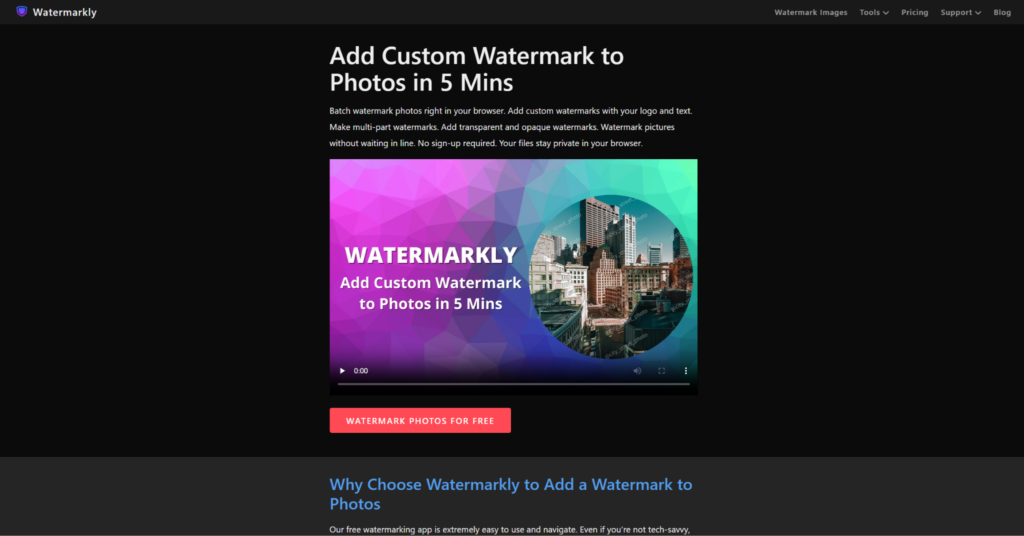
Watermarkly keeps PDF watermarking simple. In a good way. You upload files, drop a logo or text overlay, and export straight from the browser. No heavy editing software required. The interface stays clean even during bigger batch sessions. That matters when freelancers or agencies push out multiple branded documents every day. Client proposals, portfolio PDFs, educational materials, draft contracts, media kits—all fit right into the workflow. The platform also works for people who do not want to waste time learning complicated systems. Speed is clearly the main thing here. Nothing else.
Why teams keep coming back to Watermarkly
The platform focuses on removing unnecessary friction from repetitive editing work. Most actions take only a few clicks, and the browser-based setup makes it easy to work across different devices without changing your workflow. Watermarkly works especially well for quick branding tasks and fast document preparation. Some of the most useful parts of the experience include:
- Browser-based watermarking with no installation required;
- Support for both text and logo overlays;
- Batch processing across multiple PDFs at once;
- Simple interface that works well for beginners;
- Additional resizing, cropping, and compression tools.
Watermarkly feels most useful when speed matters more than advanced document engineering. Instead of overwhelming users with enterprise-style controls, the platform keeps the process lightweight, direct, and easy to repeat every day.
2. Visual Watermark
Privacy-obsessed watermarking for photographers and agencies handling sensitive client files—all processing happens locally with zero server uploads.
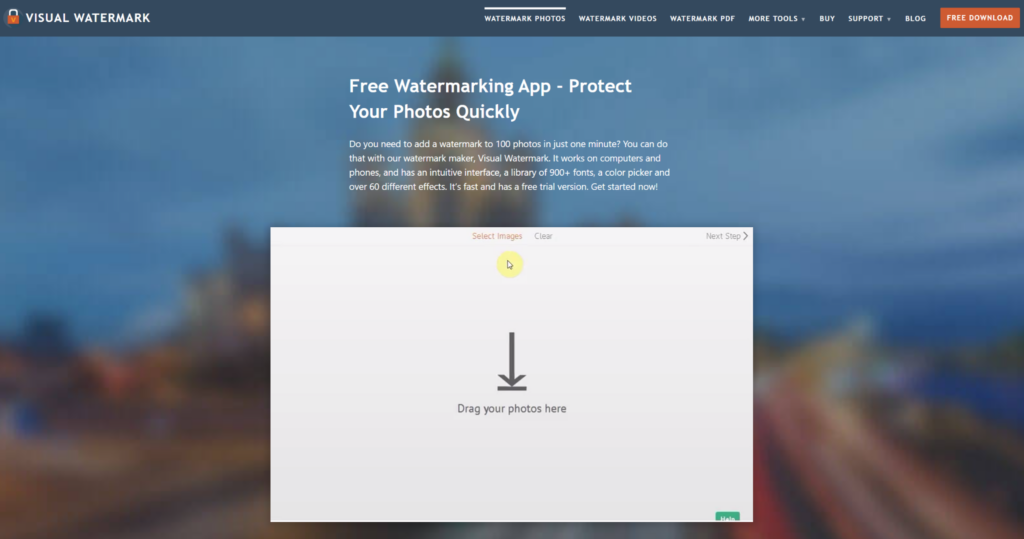
Established in 2005, Visual Watermark is a powerful yet easy-to-use app that adds professional-looking watermarks to photos, videos, and PDF files. The tools are designed to be intuitive—even for complete beginners, with 100% privacy guaranteed as all processing happens directly in your browser or desktop app with no files sent to servers. This architecture matters for NDAs, pre-launch product documentation, or any scenario where uploading unprotected PDFs to a third-party cloud violates client agreements.
Core watermarking capabilities:
- Add text watermarks and insert logo watermarks with brand consistency
- Batch watermark photos processing up to 50,000 photos offline
- Auto-size watermarks adjust logo dimensions based on document aspect ratio
- Create copyright metadata embeds ownership data into file properties
- Add watermark effects for visual polish beyond basic overlays
The team includes Julia Nikitina, though role definitions and support capacity aren’t documented. Pricing details aren’t published on the site, signaling either a freemium model or contact-sales approach—a friction point for buyers wanting instant self-serve signup. Visual Watermark fits photographers, video editors, and consultants prioritizing absolute file privacy over feature breadth, though fewer integrations mean less ecosystem connectivity than cloud-native competitors.
3. Locklizard
DRM-grade document control for publishers and enterprises needing watermarks tied to device locks, expiry dates, and print restrictions—not a lightweight freelancer tool.
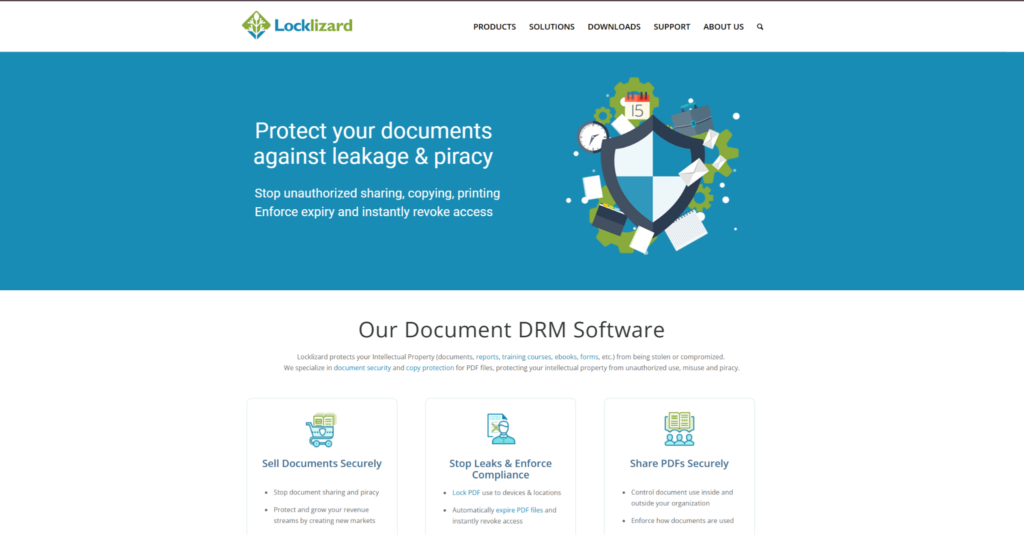
Operating since 2004, Locklizard protects Intellectual Property through Digital Rights Management software that enforces document security and copy protection without insecure passwords or plugins. The platform uses secure viewers to enforce DRM controls, ensuring documents always remain under your control with full offline protection and no uploading of unprotected files to servers. This isn’t “add a logo and download”—it’s enterprise-grade PDF locking where watermarks become one layer in a multi-control security stack.
DRM features beyond watermarking:
| Control | Function |
|---|---|
| Dynamic watermarking | User-specific text overlays (name, email, timestamp) |
| Device and location locking | Restrict viewing to approved machines or geographies |
| Access expiry and revocation | Remote document kill-switch post-distribution |
| Screen capture blocking | Prevent screenshot tools from capturing content |
Pricing follows enterprise SaaS norms—contact sales for quotes based on Writers, Secure Documents, and License type. The FAQ clarifies that passwords can be shared, removed, or cracked, and PDF permissions can be easily removed—Locklizard DRM maintains control over documents regardless of location, positioning the tool against password-protected PDFs rather than basic watermark apps.
Strengths:
- Two-decade operational history in PDF security
- Offline document protection works without internet connectivity
- Viewer updates happen automatically for all users
Weaknesses:
- Overkill for solopreneurs—designed for publishers distributing thousands of protected documents
- Requires end-users to install proprietary viewers (not browser-native)
- No transparent pricing for small-team comparison shopping
Locklizard suits training providers, ebook publishers, and legal document distributors where watermarks must survive determined adversaries. Freelancers wanting quick logo stamping should look elsewhere.
4. VeryPDF
Developer-focused PDF toolkit offering watermarking alongside conversion, OCR, and custom integrations for automation-heavy workflows.
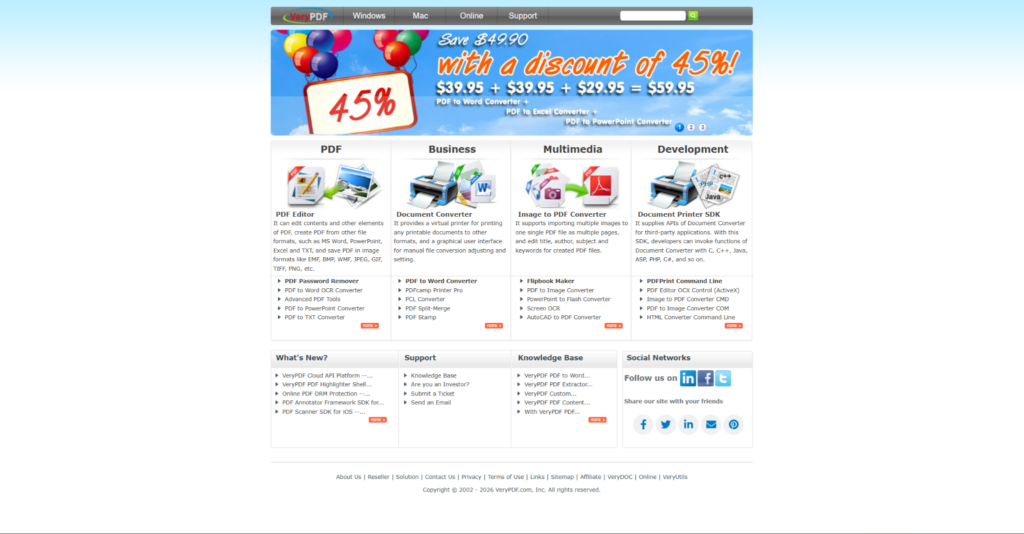
VeryPDF concentrates on software development in PDF tools, business document processing, and related online services, providing customizable development packages and effective custom solutions. The firm has 20+ years of technical experience in software development with expertise in Windows Virtual Printer Driver Technologies, PDF processing, and OCR, signaling a backend-engineer audience rather than marketing teams needing drag-and-drop watermark editors.
Features span PDF editing, PDF watermarking, document conversion, and OCR conversion—but the platform’s differentiator is programmability. Teams building automated document pipelines (CRM-triggered watermarking, batch processing via API, custom viewer integrations) find value here. The site prioritizes SDK documentation over end-user workflow tutorials, suggesting a developer-first product philosophy.
- Batch watermark via SDK: automate logo stamping for CRM-generated proposals
- Windows printer driver: watermark documents at print time without pre-processing
- Custom development: modify watermark positioning logic for niche use cases
Pricing isn’t published—expect enterprise SaaS negotiations or per-SDK licensing. The FAQ directs buyers to a product overview page to explore the full range of offerings, reinforcing the “contact us to discuss your requirements” sales model.
VeryPDF fits software teams embedding watermark functionality into larger applications (document management systems, e-signature platforms, client portals). Solo freelancers and agencies wanting a polished UI should start with Watermarkly or Sejda instead.
Final Thoughts
PDF watermarking tools now cover very different workflows depending on how people handle documents every day. Some platforms focus on speed and lightweight browser editing, while others prioritize privacy, document control, or broader PDF workflows. Freelancers and agencies usually benefit more from simple and repeatable workflows than overloaded enterprise systems. The best option depends more on your daily workflow than on feature count.
Watermarkly works best for fast browser-based watermarking and batch processing. Sejda fits users already working with multiple PDF tools inside one workflow. Visual Watermark focuses heavily on privacy and local processing, while Locklizard targets stricter document protection needs. VeryPDF makes more sense for technical teams building custom document workflows and integrations.